

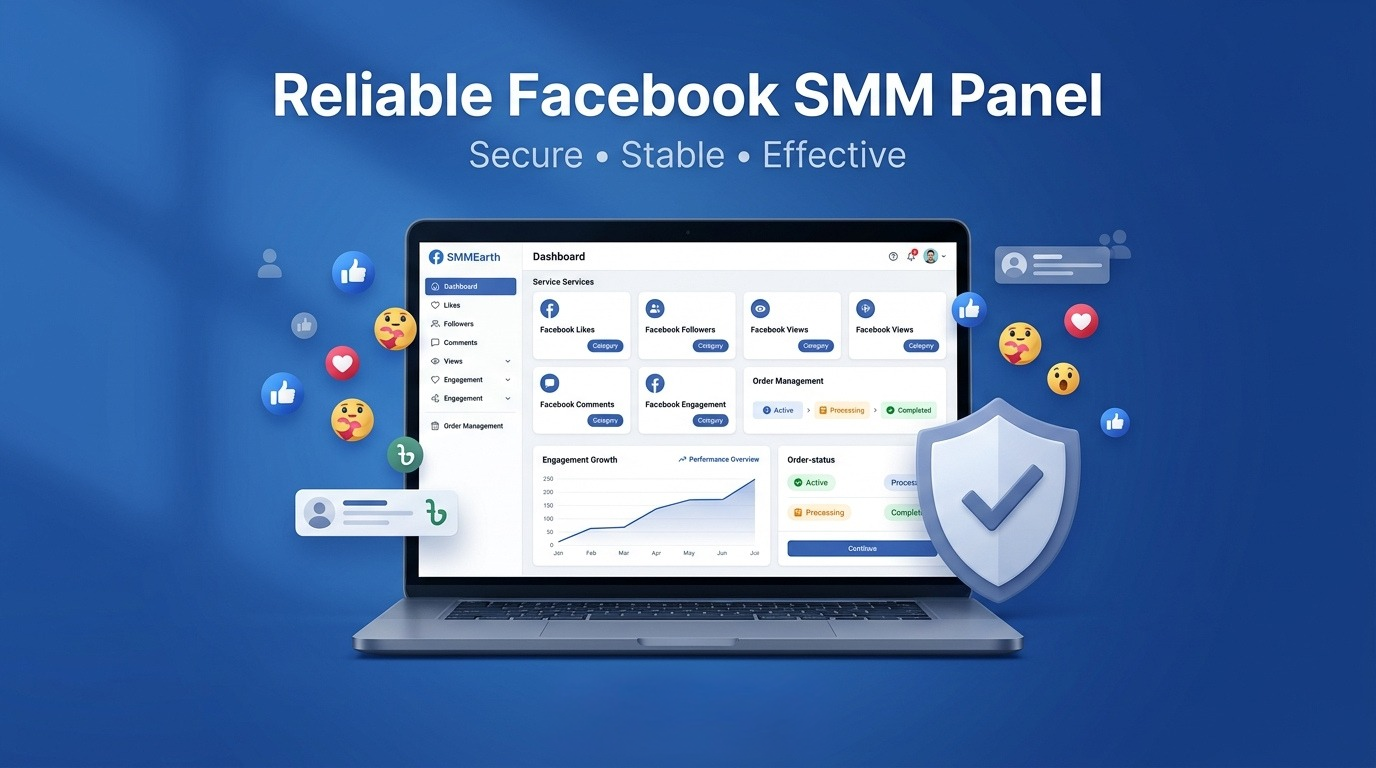

Managing Facebook promotion can become complicated when a campaign needs followers, video views, comments, shares, and other engagement services. Ordering each service from a different provider also makes it difficult to compare prices, monitor delivery, and control the marketing budget.
A Facebook panel brings different Facebook services into one online dashboard. Creators, businesses, agencies, and resellers can use it to place orders and track their status. The panel can simplify campaign management, but users must understand what each service does before spending money.
What Is a Facebook Panel?
A Facebook panel is a web-based system where users can order Facebook-related social media services. These services may include followers, post engagement, video views, Reels views, comments, shares, page activity, live stream viewers, and group members.
Most panels follow a simple process. The user creates an account, adds funds, chooses a category, selects a service, enters a public Facebook link, and submits the required quantity.
The order then appears in the dashboard with a status such as pending, processing, completed, partial, or canceled. This structure makes a Facebook SMM panel useful for people managing several pages or client campaigns.
Is a Facebook Panel the Same as Meta Business Suite?
A Facebook growth panel is not the same as Meta Business Suite or Facebook Ads Manager.
Meta Business Suite is an official tool for managing pages, messages, content, notifications, and advertising activity. Facebook Ads Manager allows businesses to create paid campaigns using Meta’s official targeting and reporting features.
An SMM panel is a third-party platform that provides engagement services through its own service network. It does not give users access to Facebook’s official advertising system.
Businesses may use official advertising for audience targeting and customer acquisition, while using a panel for limited campaign support. The two systems have different purposes and should not be confused.
What Services Can You Find in a Facebook Panel?
A well-organized panel usually divides its services into clear categories. Each option is designed for a different type of Facebook content or campaign goal.
Facebook Followers Service
A Facebook followers service increases the visible follower count of a page or eligible profile. It may be used when a new page needs a stronger public presence or when an established page is preparing for a larger promotional campaign.
Followers can improve the appearance of a page, but they do not guarantee future engagement. A business still needs to publish useful content and communicate with real customers.
Facebook Post Engagement
Post engagement services may include likes, reactions, comments, and shares. These options are connected to a specific public post rather than the entire page.
They can support a product announcement, business update, event post, photo, offer, or educational publication. Users should select engagement that matches the content instead of ordering random activity.
Facebook Video Views
Facebook video views are designed for regular video posts, uploaded clips, and other supported video formats. Some services may offer a specific watch duration or delivery speed.
The user must confirm which type of video link the service accepts. A regular video, Reel, live stream, and story may require separate services even though all of them contain video content.
Facebook Reels Promotion
Facebook Reels promotion focuses on short-form vertical videos. Reels can reach users beyond a page’s existing audience, making them useful for brand awareness, entertainment, tutorials, and product demonstrations.
Views can increase the visible activity on a Reel, but content quality still determines whether people watch, react, comment, or visit the page.
Facebook Comments Service
A Facebook comments service adds comments to a selected post. Some services provide general comments, while others may allow custom text.
Custom comments require careful planning. The wording should be relevant, natural, and appropriate for the content. Repeating the same sentence or adding unrelated praise can reduce credibility.
Facebook Shares Service
Shares can help a public post appear more active and potentially place it in front of additional audiences. However, the result depends on where and how the content is shared.
A higher share number does not guarantee meaningful reach, website traffic, or sales. Businesses should evaluate shares alongside other performance indicators.
Facebook Group Members
Facebook group member services increase the displayed membership of a public or eligible group. They may be used for communities related to education, hobbies, customer support, local interests, or business networking.
Numbers alone cannot create an active community. Group administrators still need clear rules, regular discussions, useful resources, and responsible moderation.
How to Choose the Right Service Mix
Ordering every available service is rarely necessary. The correct mix depends on the page, content format, campaign stage, and desired outcome.
A new business page may focus first on page presentation and followers. A video creator may need video views and selected reactions. An online shop launching a new collection may focus on engagement for several important product posts.
Agencies managing multiple clients should create a separate plan for each page. A local restaurant, musician, educational channel, and ecommerce brand will not need the same quantity or type of activity.
Begin by defining one clear goal. Then choose the service that directly supports that goal. This approach keeps the campaign focused and makes the results easier to measure.
Understanding the Facebook Marketing Dashboard
The Facebook marketing dashboard inside a panel is the main area used to control orders and funds. Although layouts differ, most dashboards include several common sections.
The services page shows available categories, rates, minimum quantities, maximum quantities, and descriptions. The new order page is where users submit links and quantities.
Order history displays previous and active requests. Users can check order IDs, starting counts, current status, charges, and remaining quantities.
The support section allows customers to report delayed, incomplete, or incorrect orders. Some panels also include payment history, API documentation, mass ordering, and refill request tools.
Users should learn how these sections work before managing bulk Facebook services. A simple link or quantity mistake can affect many orders at once.
What Do Common Order Statuses Mean?
Understanding order statuses can prevent unnecessary support requests.
-
Pending: The order has been received but delivery has not started.
-
Processing: The service is currently being delivered.
-
In progress: Part of the order has started, but it is not complete.
-
Completed: The system has marked the full order as delivered.
-
Partial: Only part of the requested quantity was delivered, and the remaining amount may be refunded to the panel balance.
-
Canceled: The order could not be processed, and the charge is generally returned according to the panel’s rules.
A completed status does not always mean the public count will update immediately. Facebook may take time to display changes or may filter some activity.
How Agencies Use a Facebook Panel
Agencies can use a panel to organize repetitive campaign tasks for different clients. Instead of contacting individual suppliers, the agency can compare services and place orders from one account.
A social media reseller panel may also provide an API. An API connects the provider’s system with another website or application, allowing eligible orders and status updates to be handled automatically.
However, automation increases responsibility. Agencies must monitor service changes, price updates, delivery problems, and client expectations. They should never promise guaranteed viral reach, sales, monetization, or permanent engagement.
Clear records are essential. Each order should include the client name, page, campaign, service ID, quantity, cost, and delivery date.
How to Submit an Order Correctly
First, confirm that you have selected the correct Facebook category. Read the full service description, including delivery time, accepted link format, targeting, refill terms, and restrictions.
Copy the exact public URL of the page, post, video, Reel, or group. Open it in a private browser window to make sure it works without requiring account access.
Enter the quantity carefully and check the final charge. Do not submit several orders for the same service and link unless the previous order is complete.
Keep the content public and avoid changing its link or settings during delivery. Save the order ID so that support can locate the request if a problem occurs.
How to Compare Facebook Panel Services
The cheapest service is not automatically the most useful. Compare providers and services based on clarity, consistency, support, and suitability for the campaign.
Look for:
-
Detailed service descriptions
-
Clear link requirements
-
Realistic delivery estimates
-
Stable order processing
-
Refill information
-
Transparent cancellation rules
-
Responsive customer support
-
Secure payment options
-
Complete order records
-
No request for Facebook passwords
Test unfamiliar services with a small order. A test gives you practical information about speed, stability, and customer support before you manage a larger campaign.
Risks and Limitations to Understand
Third-party engagement services may conflict with Facebook’s rules, particularly when they involve artificial or deceptive activity. Facebook can filter engagement, remove accounts, reduce displayed numbers, or take action against suspicious behavior.
A panel cannot guarantee organic reach, loyal followers, customer inquiries, conversions, or monetization approval. It can deliver the selected service, but it cannot force users to become interested in the content.
Businesses should never use purchased metrics to mislead customers or make false claims about popularity. Responsible use requires honest marketing, realistic quantities, and a clear understanding of the risks.
Build a Balanced Facebook Strategy
Panel services should not become the entire Facebook strategy. Sustainable growth depends on original content, real conversations, customer service, and consistent publishing.
Create posts that answer common questions, show products clearly, tell genuine stories, and invite useful discussion. Use Reels, videos, photos, live sessions, and groups where they fit the audience.
Monitor reach, watch time, messages, website visits, leads, and sales. These indicators reveal more about business performance than follower or engagement numbers alone.
Official advertising can also help reach people based on location, interests, behavior, and demographics. Combining appropriate promotion with valuable content creates a stronger foundation for long-term growth.
Final Thoughts
A Facebook panel can make it easier to order, organize, and monitor multiple Facebook growth services from one dashboard. It is particularly useful for agencies, resellers, creators, and businesses managing several campaigns.
The best approach is to choose services based on a clear goal, submit accurate links, begin with small tests, and keep detailed records. Understand the risks, follow platform rules, and avoid unrealistic promises. When panel services are used carefully alongside authentic content and audience communication, campaign management becomes more organized and easier to evaluate.

