

POS for Restaurant Software: A Practical Guide to Better Restaurant Operations

A restaurant can serve excellent food and still lose customers through slow service, incorrect orders, or confusing bills. During a busy shift, even a small communication gap between the dining area, kitchen, and payment counter can affect the entire operation.
Restaurant POS software helps connect these activities. It gives staff a structured way to record orders, manage bills, and review transactions while helping owners understand how the business performs.
For UAE businesses searching for POS for Restaurant Software, the best starting point is the restaurant’s daily workflow. A neighbourhood café, takeaway outlet, and full-service restaurant may need very different features.
The right choice should support the way the team works, from taking the first order to closing the final bill.
A typical restaurant order involves more than selecting an item from a menu. Customers request extra toppings, different portion sizes, or changes to side dishes. Staff need a clear way to capture these details and communicate them to the kitchen.
Look for software that supports organised menu categories, item variations, and order modifiers. For example, a server should be able to enter a grilled chicken meal with an extra side and a sauce preference without relying on a separate handwritten note.
When testing a system, check how these details appear on kitchen tickets or displays. Clear information at the point of preparation can help reduce avoidable corrections and repeated questions.
The same attention should apply to table service. Staff may need to add items to an existing order, move a bill to another table, or split payment between guests. These actions should be easy to follow during a busy period.
A useful demonstration should include realistic situations. Ask the provider to show how the system handles a table ordering additional drinks after the main course, a cancelled item, and two guests paying separately. This reveals more about everyday usability than a simple sales presentation.
Inventory is another area where restaurant owners need clarity. Tracking bottled drinks is relatively straightforward because each sale corresponds to a finished product. Tracking ingredients used across several dishes requires more detailed functionality.
For example, tomatoes may be used in salads, sandwiches, sauces, and breakfast dishes. Understanding their expected consumption requires accurate recipes, quantities, and units of measurement.
If ingredient control matters to your business, confirm whether the software supports recipe-based deductions, purchasing records, wastage entries, and stock counts. Sales records alone cannot explain every stock difference. Spoilage, preparation waste, and inconsistent portions also need to be recorded.
Useful reporting goes beyond showing the day’s total revenue. Owners should be able to examine which items sell, when orders arrive, and how discounts or refunds affect results.
A busy menu item is not automatically the most profitable one. Ingredient costs, packaging, and other relevant expenses need to be considered alongside sales. Reliable reports give managers a starting point for reviewing portions, pricing, purchasing, and menu choices.
Restaurants handling dine-in, takeaway, and delivery orders should also check how each order type is recorded. Clear labels help staff distinguish a table order from a collection order and understand where it needs to go.
If delivery-platform integration is required, ask about the specific platforms supported, any additional charges, and how menu updates or cancellations are handled. Confirm that the proposed integration is included in the package being demonstrated.
Staff access deserves similar attention. A cashier may need permission to accept payments, while refunds or price changes may require a manager. Individual accounts and activity records can help owners trace adjustments and resolve discrepancies.
Before introducing the software, allow staff to practise common tasks. Training should cover order changes, payment mistakes, unavailable items, and shift closing—not just entering a standard sale.
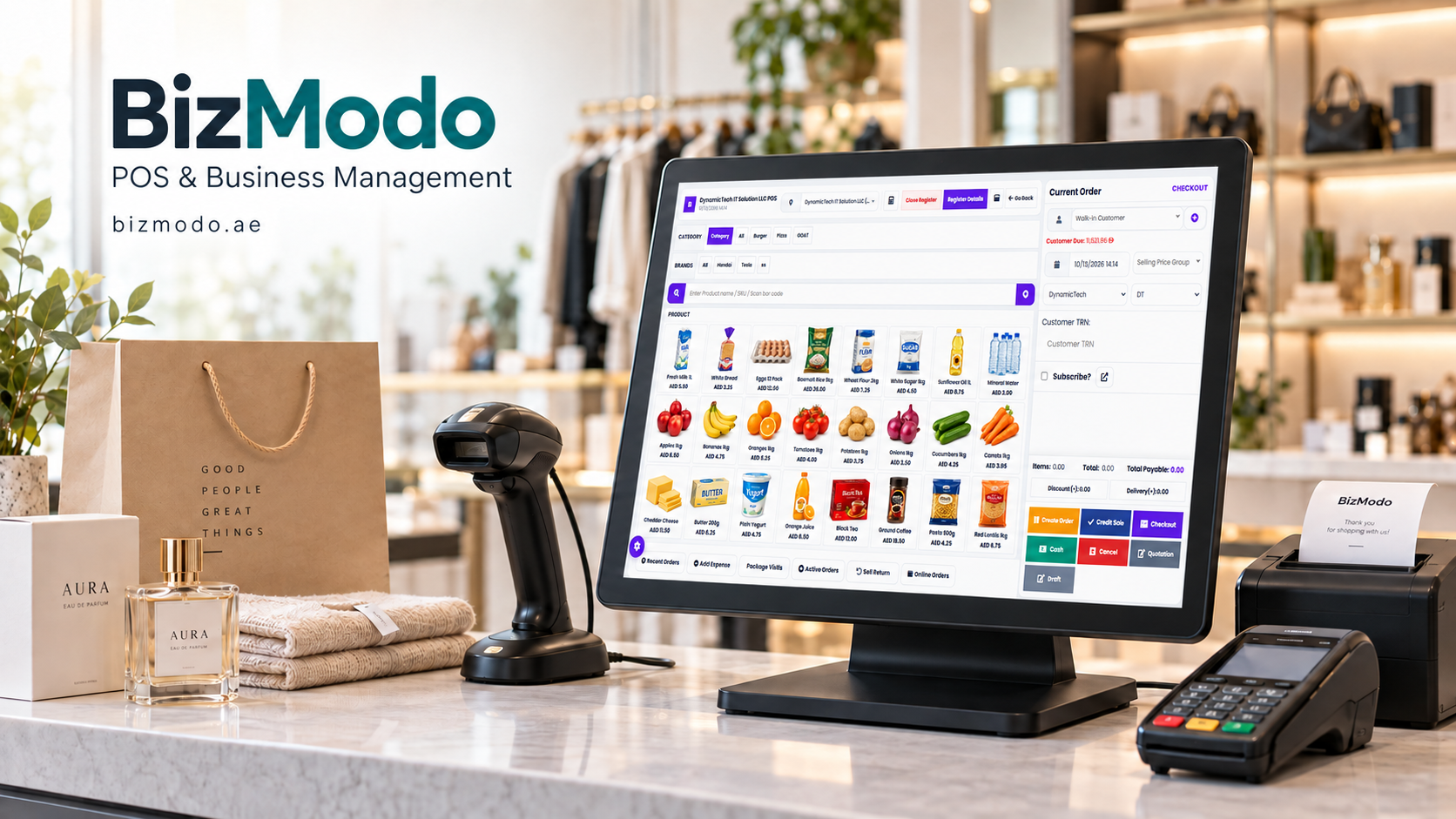
For restaurant owners comparing providers in the UAE, Bizmodo offers restaurant POS software with tablet ordering, kitchen workflow tools, and inventory management. Its broader POS and ERP offering also includes sales processing, reporting, and multi-branch management. Businesses can discuss their service model with the team and confirm the features included in a suitable setup. bizmodo.ae
When evaluating POS for Restaurant Software, request a demonstration using your own menu and typical orders. Review the full cost, including hardware, installation, training, integrations, and ongoing support. Ask how business data can be exported and which functions remain available during an internet interruption.
A successful implementation starts with accurate menu information, clear staff responsibilities, and a system that fits the restaurant’s working day. Choose software that makes routine tasks easier to complete and gives managers records they can use to make better decisions.
