


A designer is building a new brochure, but the latest product photos are saved in Bynder. Opening another website, downloading each image, and returning to the design takes extra steps. The same problem can happen when someone needs an approved logo for a presentation or a document.
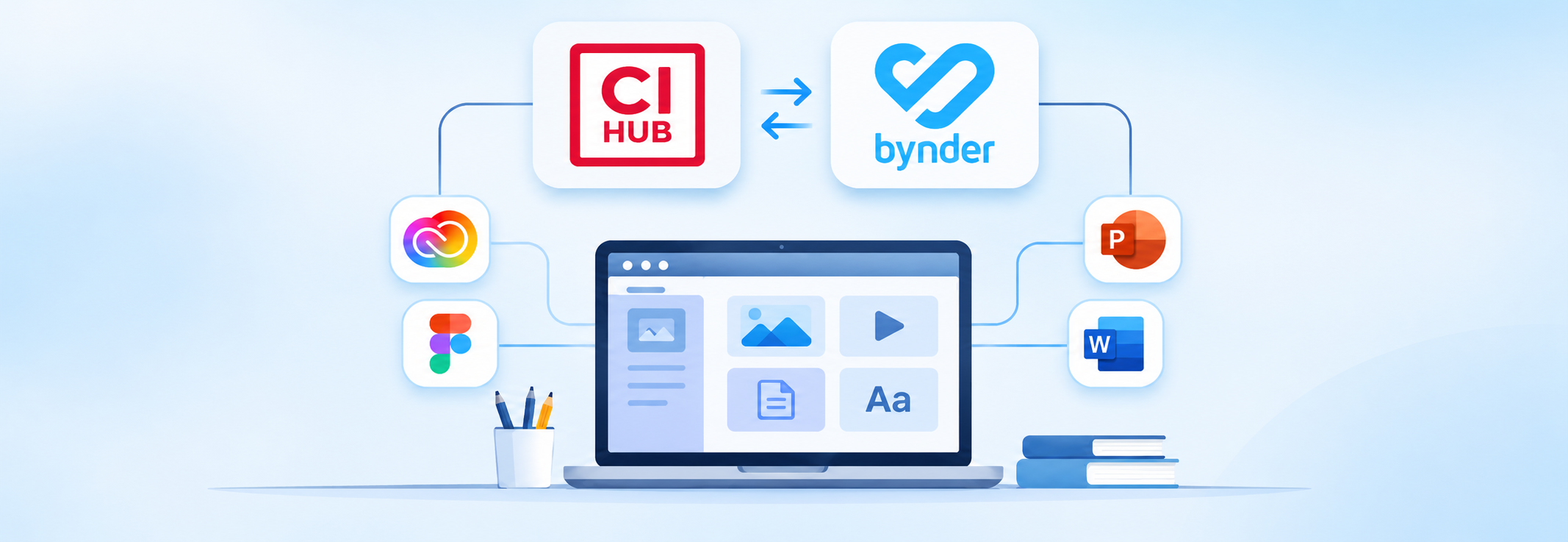
Connecting Bynder to everyday work apps offers a simpler way to handle these tasks. With CI HUB, teams can open their Bynder asset library from supported tools, including Adobe Creative Cloud, Microsoft 365, Google Workspace, Figma, and Sketch.
The Bynder DAM connector lets users search for files while they work. Instead of asking coworkers to send images, they can look for assets already available to them in Bynder. This makes it easier to choose the right photo, graphic, or logo for each project.
For example, a marketing team preparing a campaign can use approved brand images in its slides. A designer updating a catalog can find product pictures from the same library. Both can work from Bynder as the main place for brand content.
The connection can also help teams handle changes. Bynder supports asset versions, and the CI HUB integration includes features for working with versions and file details. Available functions can depend on the connected app and setup.
When people spend less time switching between tools, they have more time to review layouts, write clear messages, and finish their work. CI HUB makes Bynder assets easier to reach from the apps teams already use, helping everyday creative work stay better organized.
