

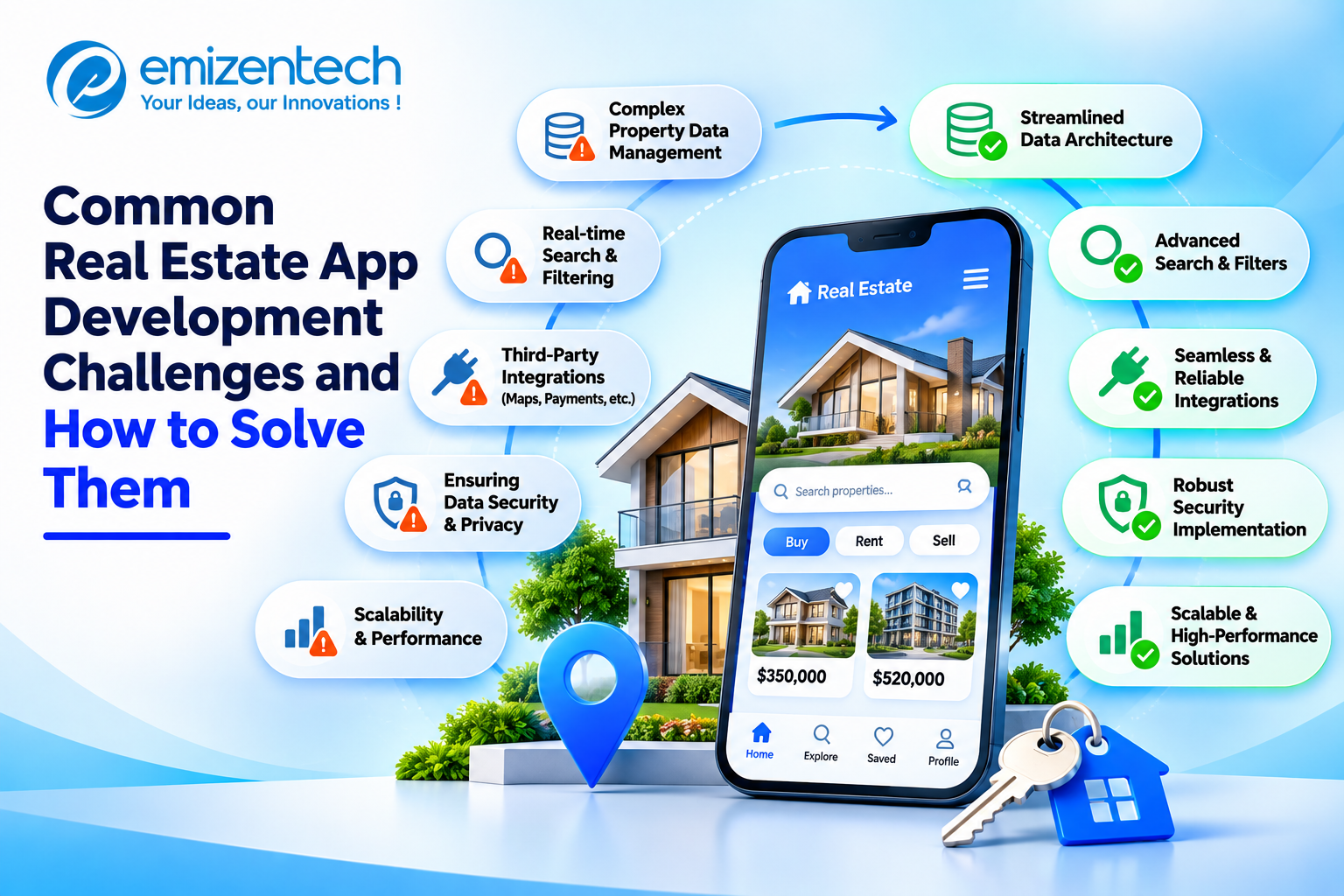

Property apps now shape how people search, rent, and invest. Building one is harder than building a typical consumer app, because it must handle large data sets, strict rules, and users with very different goals. This guide walks through ten common challenges and the practical steps that help solve each one.
Challenge 1: Managing Large Volumes of Property Data
A single platform can hold millions of listings, photos, and documents. They often arrive from different sources in different formats, with missing fields and duplicate entries. Without a clear structure, the data becomes messy and slow to search. Good handling at the start saves a lot of rework later.
Solution: A development team offering real estate app development services can organize this data through cloud databases, automated cleanup, and CDN-backed media delivery. Set clear data standards early so every new source fits the same structure.
Challenge 2: Integrating MLS and Third-Party APIs
Listing feeds come with licensing rules, varying standards such as RESO and RETS, and occasional downtime. A weak connection can leave users viewing outdated or missing listings. MLS and IDX links also need regular upkeep as providers change their requirements.
Solution: Adopt RESO Web API standards where possible and build an abstraction layer so data sources can be swapped without rewriting the app. Add monitoring, automatic retries, and fallback handling so a failed feed never breaks the user experience.
Challenge 3: Advanced Search and Filtering
Users expect results in a second, even with several filters applied. Price, location, bedrooms, and amenities all need to work together. If results are slow or irrelevant, people leave and try another app within minutes.
Solution: Use a dedicated search engine such as Elasticsearch or Algolia, and tune indexing for the filters people use most. Add saved searches with alerts, plus smart suggestions, so users can return to their search without starting over.
Challenge 4: Map Integration and Geolocation Accuracy
Maps are central to property search, but they can load slowly, show inaccurate pins, and push up API costs. Thousands of markers on one screen make these problems worse, especially on older phones.
Solution: Use marker clustering and load only the listings in the current map view. Compare Google Maps, Mapbox, and OpenStreetMap on cost and features. Then add draw-on-map search and neighborhood layers such as school zones, transit, and commute times.
Challenge 5: Delivering High-Quality Photos, Videos, and 3D Tours
Rich media helps buyers decide, yet it is heavy. Large files slow the app, use up mobile data, and cause people to leave before a listing finishes loading. Poor image quality, on the other hand, hurts trust in the listing.
Solution: Compress and lazy-load images, stream video in adaptive quality, and add AR or 3D tours through tools like Matterport. Load these heavier features only when a user asks for them.
Challenge 6: Real-Time Updates and Notifications
Buyers want to know the moment a matching home appears or a price drops. Late alerts mean missed opportunities, while too many alerts get the app uninstalled. The balance between speed and relevance is hard to get right.
Solution: Use push notifications, WebSockets, and an event-driven setup to deliver instant updates. Give users control over what they receive and how often, such as price drops only or new listings in one area.
Challenge 7: Data Security and Privacy Compliance
Property apps handle IDs, financial details, and signed documents. A single breach can damage trust and create legal trouble under rules such as GDPR and CCPA. Security also affects whether lenders and agents are willing to connect to the platform.
Solution: Encrypt data in transit and at rest, apply role-based access control, and run regular security audits. Follow local privacy regulations from day one, because adding compliance after launch is slower and more costly.
Challenge 8: Scalability and Performance
Traffic is uneven. A popular listing, a market shift, or a marketing campaign can send visitors surging. An app that is not prepared slows down or crashes at the worst possible moment, and users rarely give it a second chance.
Solution: Build on cloud platforms such as AWS, Google Cloud, or Azure with auto-scaling enabled. Add load balancing, optimize database queries, and run performance tests before launch so weak points show up early.
Challenge 9: User Experience and Multi-User Workflows
Buyers, sellers, agents, and admins each need something different from the same app. Trying to serve everyone on one screen creates clutter and confusion. Agents want lead tools, while renters want quick answers and simple contact options.
Solution: Shorten the path from search to contact, and build role-based dashboards with CRM, chat, and scheduling. Run usability testing with real users before launch and again after, then refine based on how they actually use the app.
Challenge 10: Budget, Timeline, and Choosing the Right Development Partner
Costs grow quickly when features keep getting added. Unclear scope and missed deadlines are common reasons projects stall, and a partner without proptech experience makes both worse. A realistic plan matters as much as the code.
Solution: Start with an MVP, prioritize core features, and build in agile sprints with regular reviews. For a closer look at pricing, read this guide on how much a real estate app costs to build. Also confirm that your partner has MLS integration experience, offers QA and post-launch support, and signs an NDA with full IP transfer.
Conclusion
A property app works best when design, development, testing, and support are handled as one connected process. EmizenTech follows agile sprints with regular reviews and a dedicated project manager, so you see progress and can give feedback at every stage. Share your requirements in a free consultation to get a clear roadmap and a realistic plan for your idea.
FAQs
1. How long does it take to build a property app?
A basic app can take a few months. A full marketplace with advanced features may take five to ten months, depending on complexity, integrations, and the number of platforms.
2. Which features are essential in a property app?
Advanced search, map browsing, saved searches with alerts, in-app chat, virtual tours, a mortgage calculator, and agent dashboards cover the core needs of buyers, sellers, and agents.
3. Should I build for iOS, Android, or both?
Cross-platform tools like Flutter or React Native save time and cost, and they work well for most projects. Native builds suit larger platforms that need maximum performance.
4. Can AI be added to a property app?
5. Is support needed after launch?
Yes. Bug fixes, security patches, OS updates, and performance monitoring keep the app stable. The market and user expectations change, so regular updates keep the app useful.
