

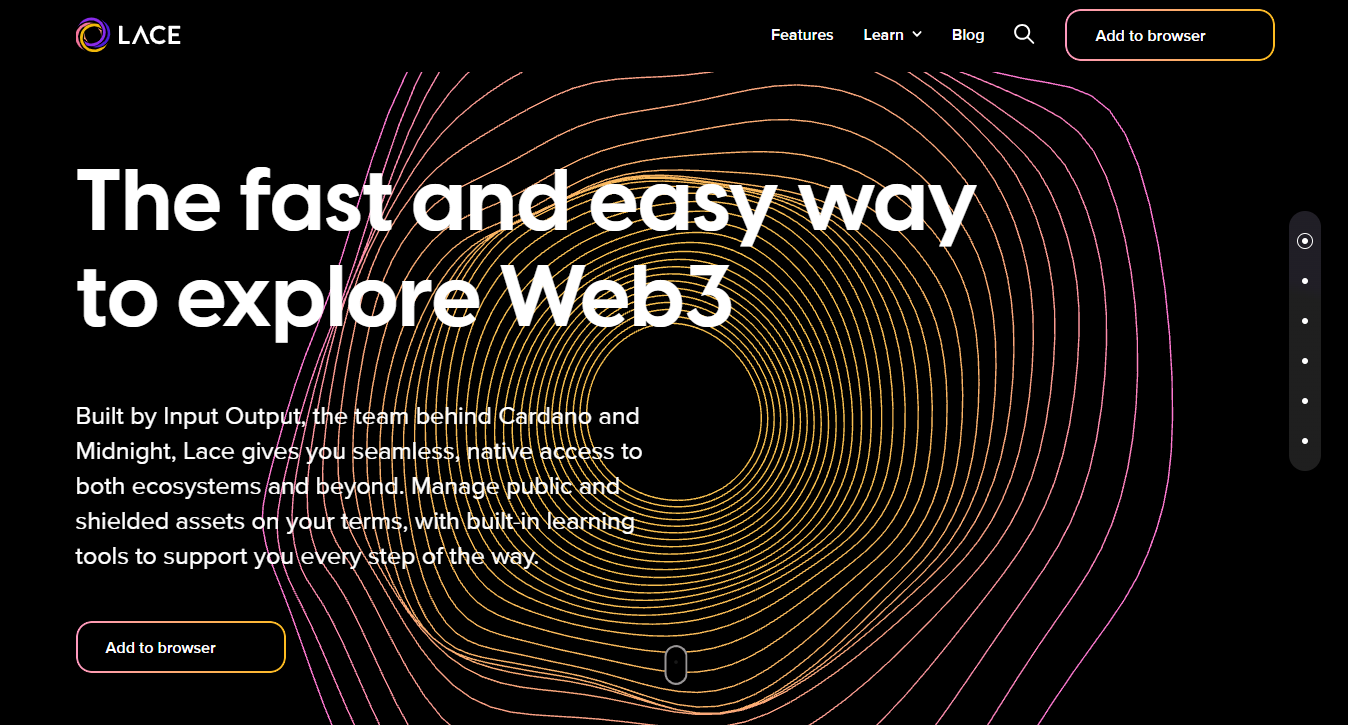

Cryptocurrency users need a reliable and convenient way to manage their digital assets while maintaining control over their funds. Lace Wallet is a lightweight cryptocurrency wallet designed for the Cardano ecosystem. It provides users with an accessible way to manage ADA, explore Cardano-based tokens, interact with decentralized applications, and participate in blockchain activities.
Whether you are new to cryptocurrency or already familiar with blockchain technology, Lace Wallet offers a user-friendly experience for exploring the Cardano network. Its browser extension and other supported wallet features make managing digital assets more convenient without requiring advanced technical knowledge.
What Is Lace Wallet?
Lace Wallet is a non-custodial cryptocurrency wallet developed by Input Output (IO), an organization closely associated with the development of Cardano. It is designed to help users manage their digital assets while maintaining control of their private wallet credentials.
Unlike custodial platforms, where a third party manages access to funds, a non-custodial wallet gives users responsibility for protecting their recovery information. This provides greater control over wallet access but also requires careful security practices.
Lace focuses on making blockchain technology easier to understand and use. Through its interface, users can access supported Cardano features, manage assets, and explore different opportunities within the ecosystem.
Key Features of Lace Wallet
Lace Wallet includes several features designed to simplify cryptocurrency management and improve the overall user experience.
1. Cardano Asset Management
Lace allows users to manage ADA and supported Cardano-native assets through a single wallet interface. Users can review their balances, receive cryptocurrency, and initiate transactions without navigating complicated blockchain tools.
2. User-Friendly Browser Extension
The Lace Wallet browser extension provides convenient access to wallet functionality. Its interface is designed to make common activities easier for beginners while offering useful features for experienced Cardano users.
Always verify the extension publisher and download source before installation to avoid counterfeit applications.
3. Cardano Staking
Cardano uses a proof-of-stake consensus mechanism. Lace supports ADA delegation, allowing eligible users to delegate their stake to a stake pool.
Delegation helps support the Cardano network while allowing users to retain control of their ADA. Staking rewards and conditions depend on network activity, pool performance, and applicable protocol rules.
4. NFT Management
The Cardano ecosystem includes a growing range of non-fungible tokens (NFTs). Lace provides functionality for managing supported digital collectibles, allowing users to explore their Cardano NFT holdings through the wallet interface.
5. Decentralized Application Connectivity
Lace can connect with supported decentralized applications (dApps) within the Cardano ecosystem. This functionality allows users to explore blockchain-based services and interact with compatible platforms.
Always review connection permissions and transaction details before approving an action.
How to Download the Lace Wallet Extension
Installing a cryptocurrency wallet requires attention to security. Follow these general steps when obtaining Lace Wallet:
-
Visit the official Lace website by entering its verified address directly into your browser.
-
Locate the available download or browser extension section.
-
Select a browser-compatible version supported by your device.
-
Verify the publisher and extension information before installation.
-
Install the extension and open it from your browser.
-
Follow the displayed instructions to create a new wallet or restore an existing one.
Avoid sponsored links, unfamiliar download websites, and unofficial applications claiming to provide special wallet versions.
How to Create and Set Up a Lace Wallet
After installing the extension, users can follow the wallet's setup instructions to begin.
Choose the option to create a new wallet if you are a first-time user. The setup process will guide you through creating wallet credentials and generating recovery information.
Write down your recovery phrase accurately and store it in a secure offline location. Never share this phrase with another person or enter it into an unfamiliar website.
If you already have a compatible wallet, you may be able to restore access using the appropriate recovery method supported by Lace.
Once setup is complete, explore the dashboard to become familiar with the available wallet features.
Security Tips for Lace Wallet Users
Protecting cryptocurrency requires more than installing a wallet application. Users should follow responsible security practices to reduce the possibility of unauthorized access.
-
Keep your recovery phrase private and offline.
-
Never share private keys or recovery credentials.
-
Download wallet software from verified sources.
-
Review transaction details before confirming.
-
Check receiving addresses carefully.
-
Keep your browser and wallet software updated.
-
Avoid suspicious links and unsolicited support messages.
Remember that a legitimate wallet support representative should never ask you to disclose your secret recovery phrase.
Why Choose Lace Wallet for Cardano?
Lace Wallet offers a convenient way to explore the Cardano ecosystem through a straightforward interface and non-custodial wallet functionality. Its combination of asset management, staking support, NFT features, and dApp connectivity makes it a useful option for people interested in Cardano.
The wallet also helps reduce the learning curve for users who want to participate in blockchain activities without operating a full Cardano node.
However, users should always review supported features, compatibility, and security information before making Lace their primary wallet.
Frequently Asked Questions
1. Is Lace Wallet free to use?
Lace Wallet software is generally available without a wallet purchase fee. However, blockchain transactions may involve network fees, depending on the activity.
2. Can I store ADA in Lace Wallet?
Yes. Lace is designed for the Cardano ecosystem and supports ADA management.
3. Does Lace Wallet support staking?
Yes. Lace supports Cardano ADA delegation, allowing users to delegate their stake to eligible stake pools.
4. Is Lace Wallet a custodial wallet?
No. Lace is a non-custodial wallet, meaning users maintain responsibility for their recovery credentials and wallet access.
5. Can beginners use Lace Wallet?
Yes. Its accessible interface and straightforward wallet functionality make it suitable for people who are beginning to explore Cardano.
Conclusion
Lace Wallet provides an accessible way to manage digital assets and explore the Cardano blockchain. With features such as ADA management, staking, NFT functionality, and decentralized application connectivity, it offers a practical wallet experience for different types of cryptocurrency users.
Whether you are exploring Cardano for the first time or looking for a convenient way to manage existing assets, understanding Lace Wallet's features and security requirements can help you make an informed decision. Always use verified download sources, protect your recovery phrase, and review every transaction before confirming it.
