

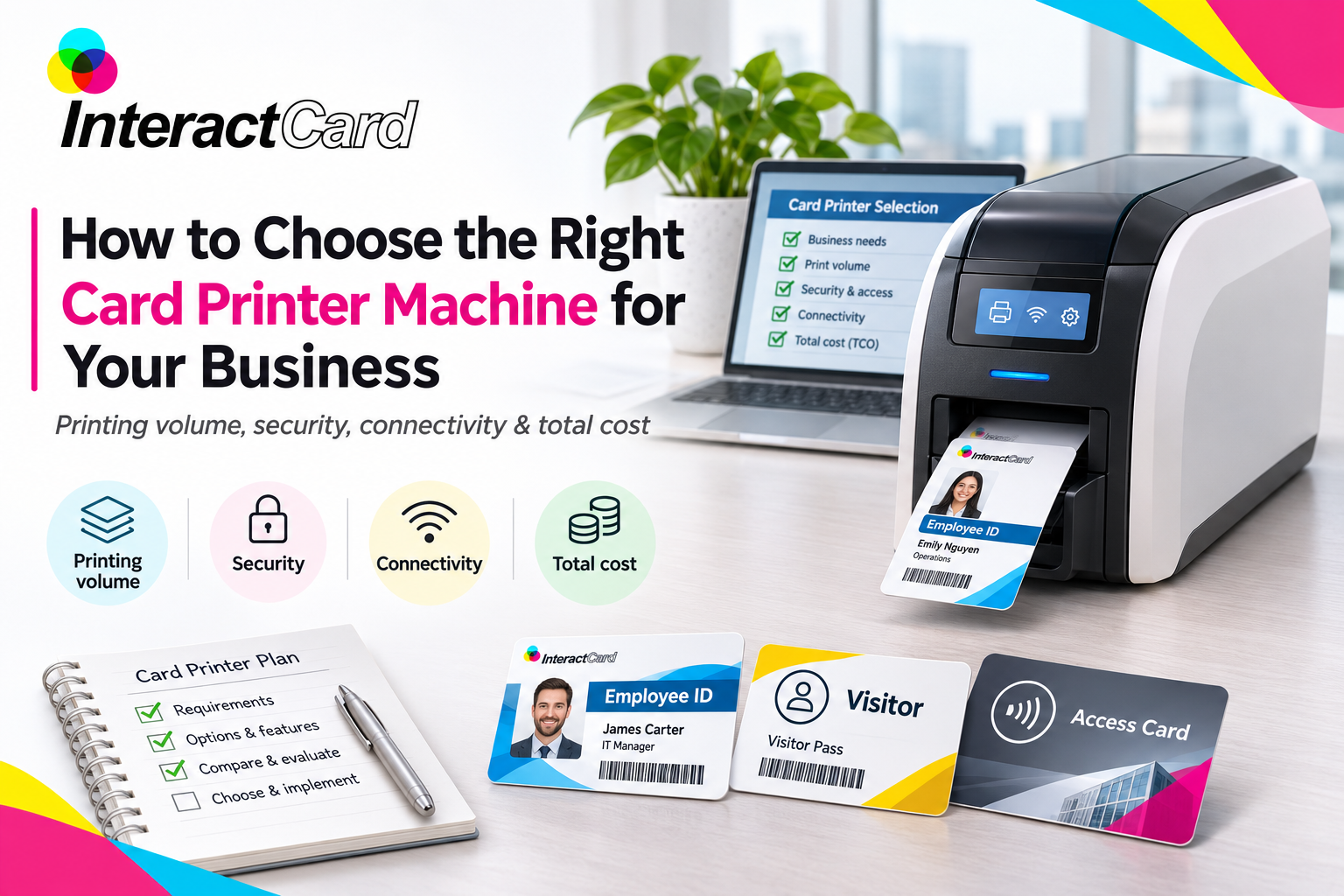

Employee identification, visitor management, membership programmes and access control are essential parts of running many modern businesses. While ordering printed cards from an external provider may seem convenient initially, producing them in-house can offer greater flexibility and control.
However, choosing a suitable card printer machine involves more than comparing purchase prices. Printing volume, card design, security requirements, connectivity and ongoing operating costs can all influence which machine offers the best value for your organisation.
Whether you operate a small business, educational institution, healthcare facility or large corporate organisation, here is what you should consider before investing in a card printing solution.
1. Identify Your Business's Card Printing Requirements
Before comparing different printer models, think about how your organisation intends to use printed cards.
Different businesses have different identification and card printing requirements. A small office may only need occasional employee ID cards, while a university may need to produce hundreds of student cards within a short period.
Common applications include:
-
Employee identification cards
-
Student ID cards
-
Membership and loyalty cards
-
Visitor identification badges
-
Access control cards
-
Healthcare staff identification cards
-
Event passes and accreditation cards
-
Customer reward cards
Understanding your intended applications helps you avoid paying for unnecessary features while ensuring the printer meets your operational requirements.
2. Choose Between Single-Sided and Dual-Sided Printing
One of the first decisions you will need to make is whether your business requires printing on one or both sides of a card.
Single-Sided Card Printers
Single-sided printers are suitable for businesses that require straightforward identification cards featuring basic information.
These printers are commonly used for employee names, photographs, company logos and membership numbers.
They generally have a lower initial purchase cost and are suitable for organisations with simple card designs.
Dual-Sided Card Printers
Dual-sided printers automatically print information on both sides of a card.
The front can display identification details, while the reverse may contain barcodes, emergency contact information, organisational policies or membership conditions.
For businesses producing detailed identification cards regularly, automatic dual-sided printing can reduce manual handling and improve productivity.
3. Consider Your Expected Printing Volume
Not every card printer is designed to handle the same workload. Choosing a machine that matches your expected printing volume is essential for maintaining efficiency.
|
Business Type |
Printing Requirements |
Suitable Printer Category |
|
Small offices |
Occasional employee cards |
Entry-level printer |
|
Retail businesses |
Membership and loyalty cards |
Standard card printer |
|
Schools and colleges |
Regular student identification cards |
Medium-volume printer |
|
Large corporations |
Frequent employee and access cards |
Professional card printer |
|
Event organisations |
Large batches of identification badges |
High-volume printer |
Consider both your current requirements and potential business growth. A printer that meets today's demands may become inefficient if your workforce or customer base expands significantly.
4. Understand Different Card Printing Technologies
When researching card printers Australia suppliers offer, you will commonly encounter direct-to-card and retransfer printing technologies.
Each technology has advantages depending on the intended application.
Direct-to-Card Printing
Direct-to-card printers transfer the printed design directly onto the card surface.
They are widely used for everyday identification, membership and loyalty cards.
Their advantages generally include affordable initial costs, relatively fast printing and straightforward operation.
Retransfer Card Printing
Retransfer printers first print the design onto a specialised film before transferring it onto the card.
This technology can deliver high-quality, over-the-edge printing and is often suitable for compatible smart cards and applications requiring more detailed graphics.
Retransfer printers may involve higher equipment and consumable costs, making it important to assess whether the additional print quality is necessary for your business.
5. Evaluate Card Security and Encoding Features
For some organisations, identification cards serve a purpose beyond displaying a person's name and photograph.
They may also help manage access to buildings, restricted areas, computer systems or other workplace facilities.
Depending on your requirements, look for compatible features such as:
-
Magnetic stripe encoding
-
Contactless smart card encoding
-
Contact chip encoding
-
Barcode and QR code printing
-
Security overlays and lamination
-
Tamper-resistant visual features
These capabilities are particularly relevant for educational institutions, healthcare facilities, government organisations and businesses with controlled access environments.
Check compatibility with your existing access control systems before purchasing equipment. Printing a card alone does not provide electronic access control functionality.
6. Compare the Total Cost of Ownership
The purchase price represents only one part of the overall investment in a plastic card printer.
Businesses should also consider the expenses associated with operating and maintaining the equipment throughout its useful life.
What Costs Should You Consider?
-
Blank PVC or compatible plastic cards
-
Colour and monochrome printing ribbons
-
Cleaning kits and maintenance supplies
-
Card design software and licensing
-
Replacement components
-
Optional encoding modules
-
Technical support and servicing
A less expensive printer may not necessarily provide better long-term value if its consumables are costly or its printing capacity is insufficient.
Comparing the estimated cost per finished card can help businesses make a more informed purchasing decision.
7. Check Software Compatibility and Connectivity
A card printer should integrate smoothly into your existing business operations.
Check whether the machine supports your operating system, preferred card design software and available connection options.
Depending on the model, connectivity may include USB, Ethernet or wireless networking.
Businesses managing large employee or membership databases may also benefit from compatible software that imports records, photographs and identification numbers automatically.
These features can reduce repetitive data entry and help maintain consistent card designs.
8. Look for Reliable Australian Supplier Support
Even a well-designed card printer requires occasional cleaning, maintenance and technical assistance.
Choosing an established Australian supplier can make it easier to obtain compatible ribbons, replacement cards, cleaning accessories and product guidance.
Questions to Ask Before Buying
-
Are compatible printing consumables readily available?
-
What warranty coverage does the printer include?
-
Is technical assistance available?
-
Can the printer accommodate future business requirements?
-
What maintenance procedures are recommended?
Reliable supplier support can help minimise unnecessary downtime and simplify ongoing printer management.
Frequently Asked Questions
Which card printer is best for a small business?
An entry-level, single-sided direct-to-card printer is often suitable for small businesses with occasional identification or membership card printing requirements.
Can a plastic card printer print access control cards?
Yes, compatible printers can print on certain access control cards. Electronic encoding requires appropriate encoding hardware, software and compatible card technology.
How long does a card printer last?
Its lifespan depends on build quality, printing volume, operating conditions and regular maintenance. Following manufacturer-recommended cleaning procedures can help extend its useful life.
About Interact Card
Interact Card provides card printing solutions for Australian businesses and organisations with various identification, membership and card personalisation requirements.
Why Choose Interact Card?
Businesses can explore different card printing technologies, printer configurations and compatible consumables to find solutions suited to their operational needs.
Having access to a specialist supplier can also simplify equipment selection and future consumable purchases.
Final Thoughts
Choosing the right card printer machine starts with understanding your business's actual printing requirements rather than simply selecting the most affordable or feature-rich model.
By evaluating printing volume, card technology, security features, software compatibility and ongoing expenses, businesses can invest in a solution that supports efficient card production and long-term operational needs.
The right printer should make card printing simpler, more consistent and easier to manage as your organisation grows.
