

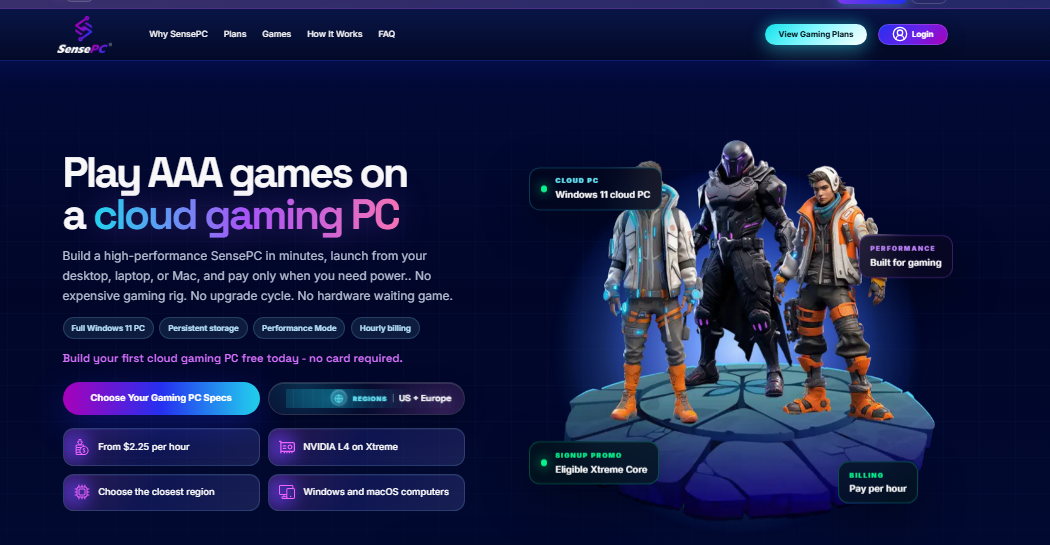

Cloud computing is transforming the way gamers access high-performance computers. Instead of purchasing expensive gaming hardware, users can connect to remote computers equipped with powerful processors and graphics resources. Platforms such as AirGPU are making it possible to rent virtual machines for gaming, while services like SensePC offer flexible access to remote Windows desktops.
Whether you are looking for an AirGPU alternative, a cloud gaming PC, or a reliable <a href="https://sensepc.com/blog/cloud-pc-vs-virtual-desktop">cloud desktop</a>, understanding how these services work can help you choose the right solution.
## What Is AirGPU?
AirGPU is a cloud computing service that provides access to GPU-powered virtual machines. Users can rent remote computing resources and use them for gaming, graphics-intensive applications, and other demanding workloads.
Rather than building a physical gaming computer, users can access a remote machine and stream its desktop to their personal devices.
Some important factors to consider when evaluating AirGPU include:
- Available GPU and processor configurations.
- Hourly computing and storage costs.
- Server locations and network latency.
- Windows desktop accessibility.
- Setup requirements and ease of use.
- Compatibility with PC games and applications.
AirGPU can be useful for users who want configurable cloud computing resources. However, comparing different providers is important because pricing, hardware availability, and user experience can vary.
## What Is a Cloud Gaming PC?
A cloud gaming PC is a remote computer designed to run demanding games and applications using cloud-based hardware. Instead of processing graphics locally, the remote computer handles the workload and streams the results to your device.
This technology allows users with standard laptops, desktops, and compatible Macs to access more powerful computing resources.
A cloud gaming PC can offer several advantages:
**No Expensive Hardware:** Access powerful remote computing resources without purchasing a dedicated gaming desktop.
**Flexible Gaming Environment:** Some providers offer complete Windows desktops where users can install compatible applications and games.
**Device Compatibility:** Connect from supported laptops and computers rather than depending on one physical gaming machine.
**Flexible Pricing:** Depending on the provider, choose hourly access, pay-as-you-go computing, or subscription-based services.
## How Does a Cloud Desktop Work?
A cloud desktop is a virtual computer hosted on remote servers. Users connect through an internet-based remote desktop or streaming application.
Once connected, the cloud computer behaves similarly to a traditional desktop. You can navigate Windows, open applications, manage files, and use available computing resources.
For gaming, a cloud desktop equipped with suitable GPU hardware can provide a remote PC gaming environment.
However, gaming performance depends on GPU specifications, server location, internet stability, latency, and streaming quality.
## SensePC: An Alternative for Cloud Desktop Access
SensePC provides cloud-based Windows computers for users who want remote desktop access without purchasing expensive physical hardware.
With SensePC, users can connect to a remote Windows environment from compatible devices, including laptops and Mac computers.
One of its key advantages is flexible pay-as-you-go access. Instead of committing to a traditional monthly subscription, users can purchase computing time when additional computing power is needed.
For people comparing <a href="https://sensepc.com/blog/tag/airgpu-vs-sensepc">AirGPU</a> and other cloud computing providers, SensePC offers another option for accessing remote Windows desktops.
Whether you need a cloud gaming PC, a virtual desktop for everyday computing, or remote access to a Windows environment, SensePC provides a flexible cloud computing solution.
## AirGPU vs SensePC: What Should You Consider?
When comparing cloud desktop providers, focus on the features that matter most to your requirements.
| Comparison Factor | What to Evaluate |
|---|---|
| GPU performance | Available graphics hardware |
| Pricing | Hourly rates and subscription costs |
| Desktop access | Complete Windows environment |
| Flexibility | Pay-as-you-go or recurring plans |
| Connectivity | Server location and latency |
| Compatibility | Supported games and applications |
The right provider depends on your budget, hardware requirements, location, and intended usage.
## Frequently Asked Questions
### 1. What is AirGPU used for?
AirGPU provides GPU-powered cloud virtual machines for gaming and other demanding computing tasks.
### 2. Can I play games on a cloud desktop?
Yes. A cloud desktop with suitable hardware can run compatible PC games remotely.
### 3. Is a cloud gaming PC worth it?
It can be worthwhile if you want access to powerful computing resources without purchasing expensive hardware.
### 4. Can I access a cloud gaming PC from a Mac?
Yes. Compatible cloud desktop services allow Mac users to connect to remote Windows computers.
### 5. Does SensePC offer hourly cloud PC access?
SensePC provides flexible pay-as-you-go access, allowing users to purchase computing time without a traditional monthly subscription.
**Conclusion:** AirGPU and other cloud computing providers demonstrate how remote hardware is changing PC gaming. If you are exploring a cloud gaming PC or need a flexible cloud desktop, SensePC is another option worth considering for remote Windows computing.
