

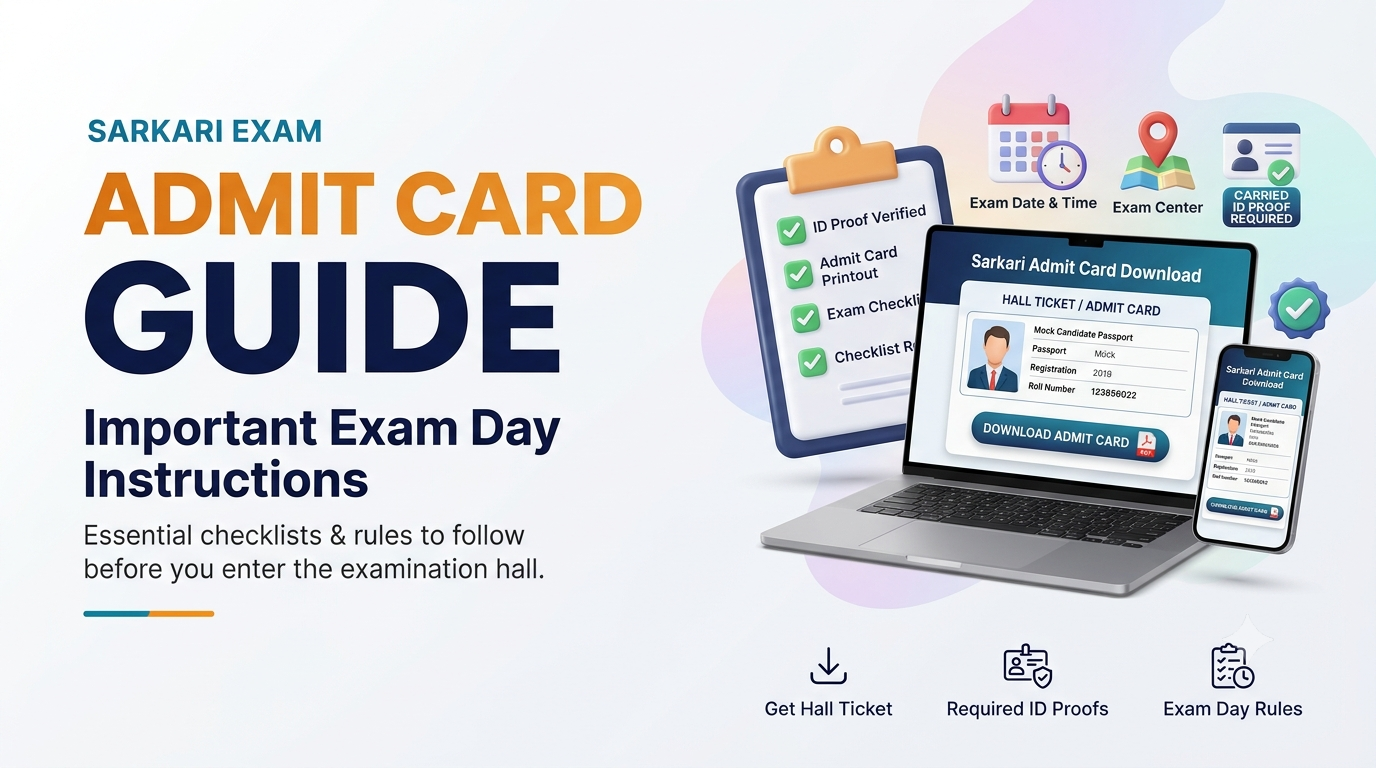
Sarkari Exam Admit Card Guide: Important Instructions Before the Examination

Sarkari Exam Admit Card is a very essential document that every candidate should have while appearing in any government recruitment exams. In whichever government recruitment exam, whether it may be SSC, UPSC, Railway, Banking, Police, or State PSC exam, it is necessary for every candidate to download their admit card prior to the exam date. It includes all the details of the candidate like the name of the candidate, roll number, exam date, reporting time and exam center.
1. Download the Admit Card from the Official Website
Admit cards are usually issued by the recruitment board a few days prior to the test. It is always recommended that candidates visit the official website to get information about the same.
Here’s how you can download your admit card:
-
Log into the official website of the recruiting agency.
-
Select the Admit Card/Candidate Login link on the website.
-
Choose the particular exam.
-
Provide your registration number/application number/date of birth/password.
-
Click on submit to download your admit card.
-
Save the PDF file and print out a copy.
It is always better to download your admit card from the official website.
2. Verify Details Mentioned on the Admit Card
Once you download the admit card, make sure that you have verified all the information written on the admit card. Wrong information can create trouble for you at the time of admission or identification.
The information which should be checked includes:
-
Name and photo of the candidate.
-
Roll number and registration number.
-
Name of father/mother, if included.
-
Name of the examination and applied post.
-
Date and time of the examination.
-
Name and location of the examination centre.
-
Reporting time and closing time of the gate.
-
Candidate's signature and category, if included.
In case any error is detected, contact the recruitment agency using its helpline or grievances portal without delay.
3. Read Examination Day Instructions
There are certain rules laid down by every recruitment agency which must be adhered to while sitting for the exam at the examination center.
Some essential rules are:
-
Go to the examination center before the reporting time.
-
Follow the identity check and security check procedures.
-
Bring only authorized documents and stationery material.
-
Do not interact with other candidates during the exam.
-
Do not bring unauthorized gadgets.
-
Follow the instructions of the invigilator.
-
Do not exit the examination hall without permission.
Candidates should also find out if the exam will be conducted via CBT mode or offline OMR mode.
4. Carry Required Documents to the Examination Centre
The candidate must have all the essential documents that have been specified in the examination guidelines. The absence of any document will lead to the denial of admission.
Usually, candidates must bring the following documents:
Admit Card in Print: Bring a clear copy of your admit card. Make sure whether you need to print it in colour or make any other declaration.
Identity Proof Document: Bring any of the accepted ID proof documents like Aadhaar Card, Voter ID, PAN Card, Passport or Driving Licence.
Passport Size Photograph: In some examinations, the candidate needs to bring a recent photograph corresponding to the uploaded photograph while applying.
Other Documents: If the candidate requires the help of a scribe for the examination, then he may be required to carry certain documents.
Always keep in mind the document requirements in the notice.
5. Avoid Carrying Prohibited Items
Examination centres generally restrict electronic devices and unauthorised materials. Bringing prohibited articles will cause a candidate to be disqualified from the exam.
Some examples of the prohibited articles are as follows:
-
Mobile phones and smartphones.
-
Smartwatches and Bluetooth devices.
-
Earphones and electronic gadgets.
-
Calculators, unless specifically permitted.
-
Books, notes and loose papers.
-
Bags and unauthorised personal belongings.
-
Cameras and communication devices.
This list can vary from one exam to another. Hence, always refer to your admit card for instructions regarding the use of any material.
6. Check Examination Centre and Reporting Time
Candidates must take care of their examination center location, reporting time and gate closing time.
Precautions are:
-
Know your examination center prior to your exam day.
-
Make sure about the distance and mode of transport available.
-
Take a route which can help you reach there without a traffic jam.
-
Visit the center in case needed.
-
Make sure to be there early enough for the security checks.
Keep in mind that your reporting time is not equal to the time your exam will start.
The candidates coming after the gate closing time might not be able to enter the examination center.
7. Follow Rules During the Examination
Candidates need to abide by examination guidelines once inside the examination hall.
In case of offline examinations, be sure to fill up the details on the OMR sheet using the specified pen. Check your roll number and question paper code before submission of the answer sheet.
In case of Computer Based Test, the candidate needs to:
-
Check the login credentials prior to taking the examination.
-
Read the instructions displayed on the screen.
-
Make the invigilator aware of any technical glitches.
-
Do not use any unauthorized devices.
-
Submit the examination in the proper way before logging out of the system.
Use of unfair means or communication with other candidates or violation of examination guidelines may lead to disqualification of candidature.
8. What to Do If You Cannot Download the Admit Card?
The candidates can sometimes face some technical difficulties in downloading their admit cards. These are some of the methods for overcoming such difficulties:
-
Check if you have entered your registration number and date of birth correctly.
-
Visit the website by using a different browser.
-
Clear the browser cache and retry.
-
Find out if the admit card has already been issued.
-
If the problem persists, contact the recruitment body through its official hotline.
If there is no admit card available, then first check the status of your application before concluding that you are not a selected candidate.
Conclusion
Sarkari Exam Admit Card includes all the important information and instructions regarding the examination. Candidates are advised to download on time, check personal details, arrange the necessary documents and check the examination centre before the day of the examination. By adhering to the instructions and not bringing banned items, arriving at the Examination venue in advance will help to avoid unnecessary issues when taking the Examination.
