

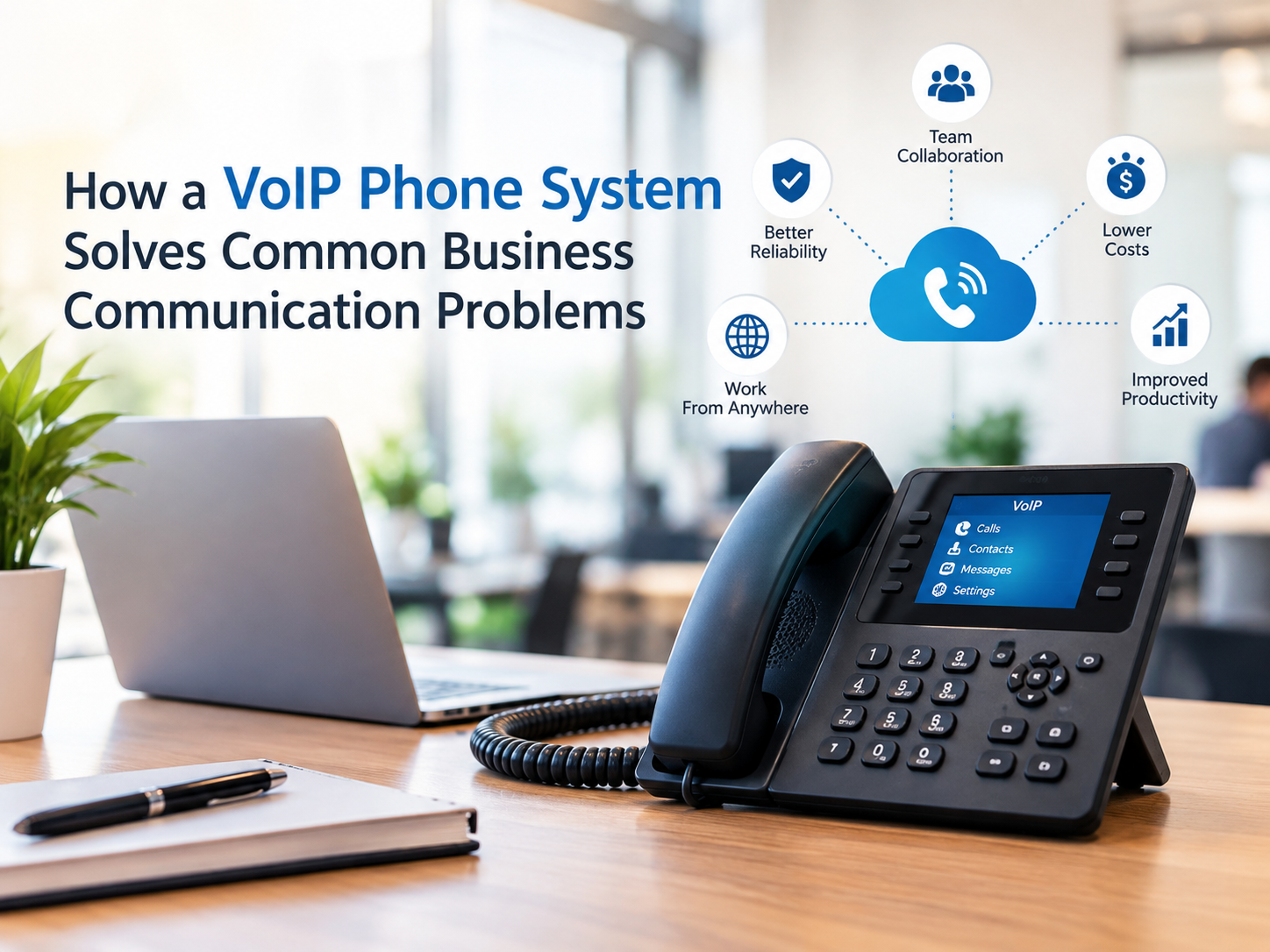

Business communication has changed significantly as companies rely more on remote employees, cloud applications, mobile devices, and flexible workplaces. Traditional phone systems can make it difficult to manage these changes efficiently. A VoIP phone system provides an alternative by using an internet connection to send and receive voice calls.
For businesses dealing with expensive phone bills, complicated hardware, limited mobility, or outdated communication tools, VoIP can provide a more flexible approach. However, choosing and implementing the right system requires more than simply switching from traditional phones to internet-based calling.
Understanding how VoIP works, what features matter, and what businesses should consider before implementation can help prevent common communication problems.
What Is a VoIP Phone System?
Voice over Internet Protocol, commonly called VoIP, is a technology that allows voice calls to travel through an internet connection instead of traditional telephone networks.
A business VoIP setup may include desk phones, computers, smartphones, mobile applications, headsets, and cloud-based communication platforms. Depending on the provider, companies can manage many communication features from a centralized online interface.
Instead of maintaining a phone line for every employee, businesses can often create extensions and manage calling features through software and cloud services.
This makes VoIP particularly useful for organizations that need communication tools that can adapt as their teams and locations change.
What Problems Can VoIP Solve for Businesses?
Many organizations consider VoIP because their existing phone infrastructure creates practical problems. A modern system can address several of these challenges.
High Business Phone Costs
Traditional business telephone services can involve line charges, long-distance fees, hardware expenses, and maintenance costs.
VoIP calls use an existing internet connection, which can reduce the need for separate telephone infrastructure. Actual savings depend on the provider, calling patterns, internet service, equipment, and selected features.
Businesses should compare the total cost of ownership rather than assuming that every VoIP solution will automatically be cheaper.
Limited Employee Mobility
Employees increasingly work from different offices, homes, and other locations. A traditional office phone may not provide the flexibility required by a distributed workforce.
Many VoIP platforms allow employees to use business numbers through desktop applications or mobile devices. This can help employees remain connected without being physically located beside an office telephone.
Difficult Call Management
Managing calls manually can become challenging as a company grows. Employees may need call forwarding, voicemail, extensions, transfers, or automated menus.
A business VoIP system can combine these functions into one communication platform. Administrators can typically configure extensions, routing rules, business hours, voicemail, and other features from a centralized interface.
Important VoIP Features to Consider
Not every business needs the same communication features. Before selecting a provider, identify the functions that directly solve your organization's communication requirements.
Auto Attendant
An auto attendant can greet callers and direct them to the appropriate department or employee. This can make it easier for customers to navigate a business without requiring a receptionist to answer every incoming call.
Call Forwarding
Call forwarding allows calls to be redirected to another number or device. This can be particularly useful when employees work remotely or need to remain reachable outside the main office.
Voicemail to Email
Some platforms can convert voicemail messages into audio files or text-based notifications delivered through email. This makes messages easier to access and organize.
Call Recording
Call recording can be useful for training, quality monitoring, documentation, and certain business processes. However, organizations should understand applicable privacy and recording-consent requirements before enabling this feature.
Mobile and Desktop Apps
Applications can allow employees to make and receive business calls from computers and mobile devices. This can reduce dependence on physical desk phones and support flexible working arrangements.
Analytics and Reporting
Call reports can provide information about call volumes, durations, unanswered calls, and other activity. Businesses can use this information to identify communication bottlenecks and improve customer service processes.
How to Prepare for a VoIP Installation
Moving to VoIP does not begin with purchasing phones. A successful implementation starts with evaluating the existing network and communication requirements.
First, check whether the current internet connection can support additional voice traffic. VoIP calls require stable connectivity, and network congestion can affect call quality.
Next, identify how many employees need extensions and determine which features are necessary. Consider departments, remote workers, customer service teams, conference calling requirements, and mobile users.
Businesses should also review their network equipment. Routers, switches, wireless infrastructure, and security configurations can influence the reliability of VoIP communications.
A professional IT assessment can help identify potential issues before the system is deployed.
What About VoIP Security?
Because VoIP relies on internet-connected infrastructure, security should be part of the implementation plan.
Businesses should use strong account credentials, secure administrator access, software updates, network protections, and appropriate monitoring. Separating voice traffic from other network activity may also be useful depending on the organization's infrastructure.
Security requirements can vary significantly between businesses. Companies handling sensitive customer or regulated information should evaluate their communication platform against their specific compliance obligations.
Working with a Top Rated IT Company can help businesses integrate VoIP with broader network management and cybersecurity practices rather than treating the phone system as a completely separate technology.
How to Choose the Right VoIP Provider
Price should not be the only factor when comparing providers. A low monthly rate may not represent the best overall value if support, reliability, integrations, or required features are limited.
Look at the provider's available features, customer support, scalability, emergency calling capabilities, mobile applications, integrations, security options, and hardware requirements.
Businesses should also understand contract terms and additional charges before signing an agreement.
Ask whether the provider supports the number of users you currently have and whether adding or removing users is straightforward. A system that works for ten employees may need different capabilities when the company grows to fifty or more.
Is a VoIP Phone System Right for Your Business?
VoIP can be a practical solution for businesses that need flexible calling, centralized management, remote communication, and modern collaboration features. It can also help organizations move away from aging telephone infrastructure.
However, VoIP is not simply a matter of plugging phones into an internet connection. Network reliability, security, configuration, user requirements, and ongoing support all influence the experience.
Before making a decision, document your current communication problems and identify which features would solve them. Then compare providers based on functionality, reliability, support, security, and total cost.
For businesses that want a communication system that can grow with their operations, a properly planned VoIP deployment can provide a more flexible foundation for everyday calling and collaboration.
