


It’s always the same every year – client documents arrive by PDF, phone photo, or email attachment, then someone needs to retype all those numbers onto various forms.
The problem is many different products call themselves “AI”, so you’ll need an introduction to how they actually work, what can’t be automated yet and where things are still being done manually.
We’re going to walk through this together including the basics about AI tax software for US-based companies and a brief look at UpTax.
What AI Tax Software Actually Does
The basic function of this kind of software isn’t too complicated at its most basic level. AI tax software essentially looks through your various forms – W-2’s, 1099’s, K-1’s, Bank Statements, etc. and identifies the relevant numbers.
The next evolution of AI-powered tax software takes things even further. Rather than simply identifying key numbers based on their presence in a document, these systems analyze the data within to compare with other years’ returns and known patterns.
Document intake and data extraction
This is where most firms notice the change first. Typical tasks include:
-
Reading and labeling uploaded client documents
-
Matching extracted figures to the correct return lines
-
Spotting missing forms based on last year's return
-
Flagging unreadable or low-quality scans
Review support
Review is another area of support. This includes pointing out things about a tax return that might be unusual - for example, there may have been a big swing in the amount of deductions claimed, or maybe there’s a missing schedule.
But it’s important to remember that this software doesn’t tell you what's right, just where you should start looking if you're doing a review.
Where Time Savings Show Up
Most of the gain comes from work that is repetitive, not work that takes judgment. Data entry, document sorting, and first-pass checks are the usual candidates.
What to Check Before You Choose a Platform
Not every tool that carries an "AI" label fits a tax practice. A simple checklist keeps the decision grounded:
-
Data security. Ask how client data is stored and encrypted. Tax preparers have safeguarding duties under the FTC Safeguards Rule, and IRS Publication 4557 covers the basics.
-
Audit trail. You should be able to see where each number came from and who changed it.
-
Review workflow. Check that flagged items route to the right person, not just a long list.
-
Integration. Confirm it works with the practice management and document tools you already use.
-
Support and training. A tool that nobody on staff trusts will not get used.
Where UpTax Fits
I’ve seen this problem pop up before with other platforms as well – when you’re trying to compare different solutions, most of these tools will be good at doing one (or maybe two) of the pieces, but few are really capable of handling all three.
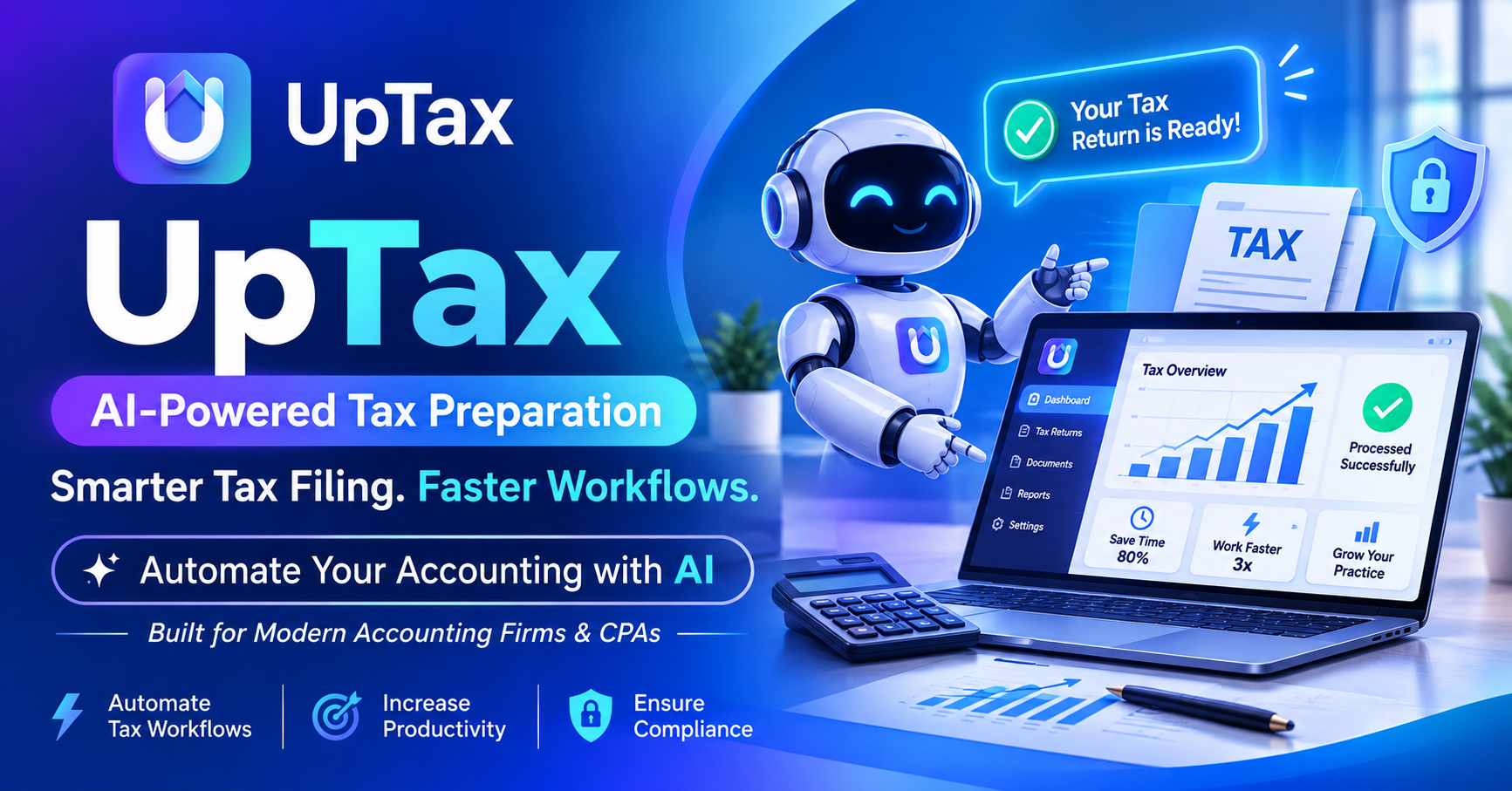
In case you haven’t been paying attention, UpTax is an AI-powered tax preparation platform designed specifically for US based CPA, EA & Accounting Firms. Let’s take a look at their website, which demonstrates exactly what I’m talking about.
Limits to Keep in Mind
AI tax preparation software is useful, but it has edges:
-
Poor scans and handwritten notes can still produce extraction errors.
-
State-specific rules and unusual situations often need human judgment.
-
Over-trusting the output is a real risk. Every figure still needs a reviewer.
Treat the software as a fast first pass, not a final answer.
The Closing Thought
The goal of AI Tax Software should be to take care of all the typing, leaving the thinking up to our amazing teams! When I’m looking at an AI Tax Platform like UpTax, I focus my evaluation around security, traceability, and compatibility with our current process.
Start small. Run some tests against some past returns. And always have someone qualified review everything along the way.
Also reads about: https://sohomoy.com/blogs/81689/What-Should-the-Best-Tax-Filing-Software-for-CPA-Firms
Frequently Asked Questions
What is AI tax software?
AI tax software is a tool that uses machine learning to read tax documents, enter the figures into the right fields, and flag items that look unusual.
Is AI tax preparation software safe for client data?
That really depends on the vendor. Check if encryption, access control, and data retention are included.
Can AI tax software replace a CPA or EA?
No. It assists preparers in automating their repetitive tasks. Professional judgment, client advising, and signature remain in the hands of the human preparer.
How accurate is AI powered tax software?
Accuracy can be different depending on the software used and the quality of the documents provided.
How do I start evaluating a tool like this?
Select three to four closed returns of various kinds and conduct them under a trial basis and compare their time and errors against the usual process.
